See who is responsible
Use team, mine and unassigned conversation views to decide who should reply. Assignment and internal notes keep the next action visible to colleagues. Resolve completed conversations rather than leaving every old enquiry in the active queue.
Keep delivery connected
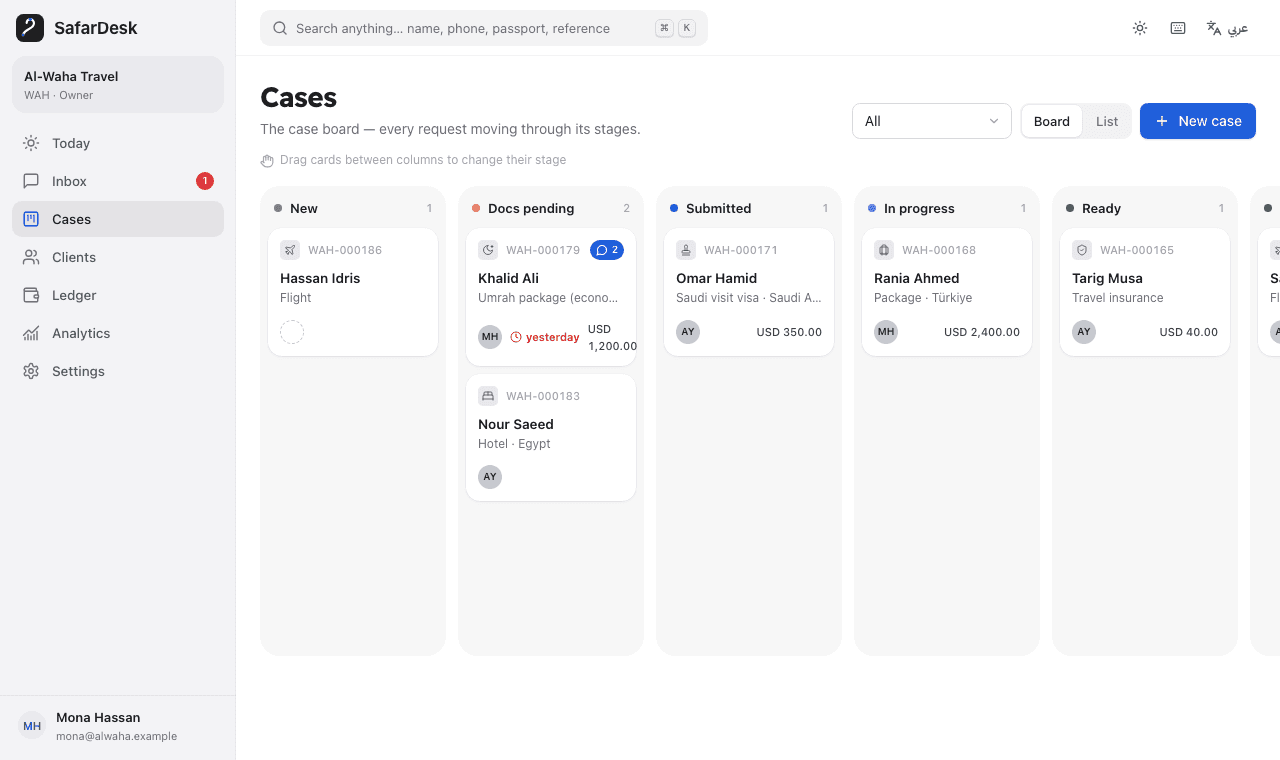
Connect the conversation to a client and case, then use the case for documents, stages, tasks and ledger entries. In a fictional example, the inbox owner requests a missing item and records a follow-up so a different authorized agent can continue the case.
Choose the appropriate starting point
Import an existing WhatsApp .txt export to organize text history. Media is not included, and import does not connect the agency number. For ongoing inbound and outbound messaging, configure the separate WhatsApp Business Platform integration.
- Historical import: text only, with an optional case.
- Live integration: separate Meta account and connection requirements.
- Messaging: current Meta window, template and opt-in rules apply.
- Costs: Meta messaging charges are separate from SafarDesk.
Not an unrestricted bulk sender
SafarDesk is not a promise of unlimited outreach, Meta endorsement or automatic client acquisition. Prepare appropriate service messages and respect platform rules and stop requests. Free access is available during validation; published paid offers are USD pilot references that require manual confirmation.
Sources and scope
Meta: WhatsApp Business Platform overview
Primary source for platform setup, message templates and the customer-service window. Meta policies and fees can change.
Meta: Sending WhatsApp messages
Check the current customer-service window and template rules before sending.
Meta: WhatsApp user opt-in
Primary guidance for obtaining permission to message people.
Meta: WhatsApp Business Platform pricing
Rates and billing rules can change; consult Meta for current destination-specific charges.
Put the next step into practice
Test a startup scenario without signing up, or explore SafarDesk’s currently free early-access workspace.